
Elgato Stream Deck Quick Tutorial
In this tutorial, you will learn how to setup and use your Elgato Stream Deck device with XSplit Broadcaster.
The following Elgato Stream Deck devices are supported:
- Stream Deck
- Stream Deck XL
- Stream Deck MK.2
- Stream Deck Mini
- Stream Deck Mobile
Install the Stream Deck Plugin (in XSplit Broadcaster)
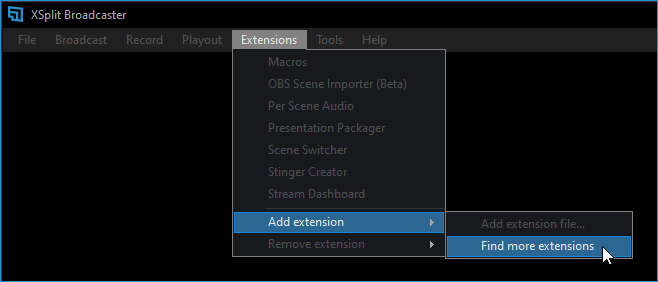
- Go to Extensions > Add Extensions > Find More Extensions.
- Search for Elgato Stream Deck then click Install in the plugin.
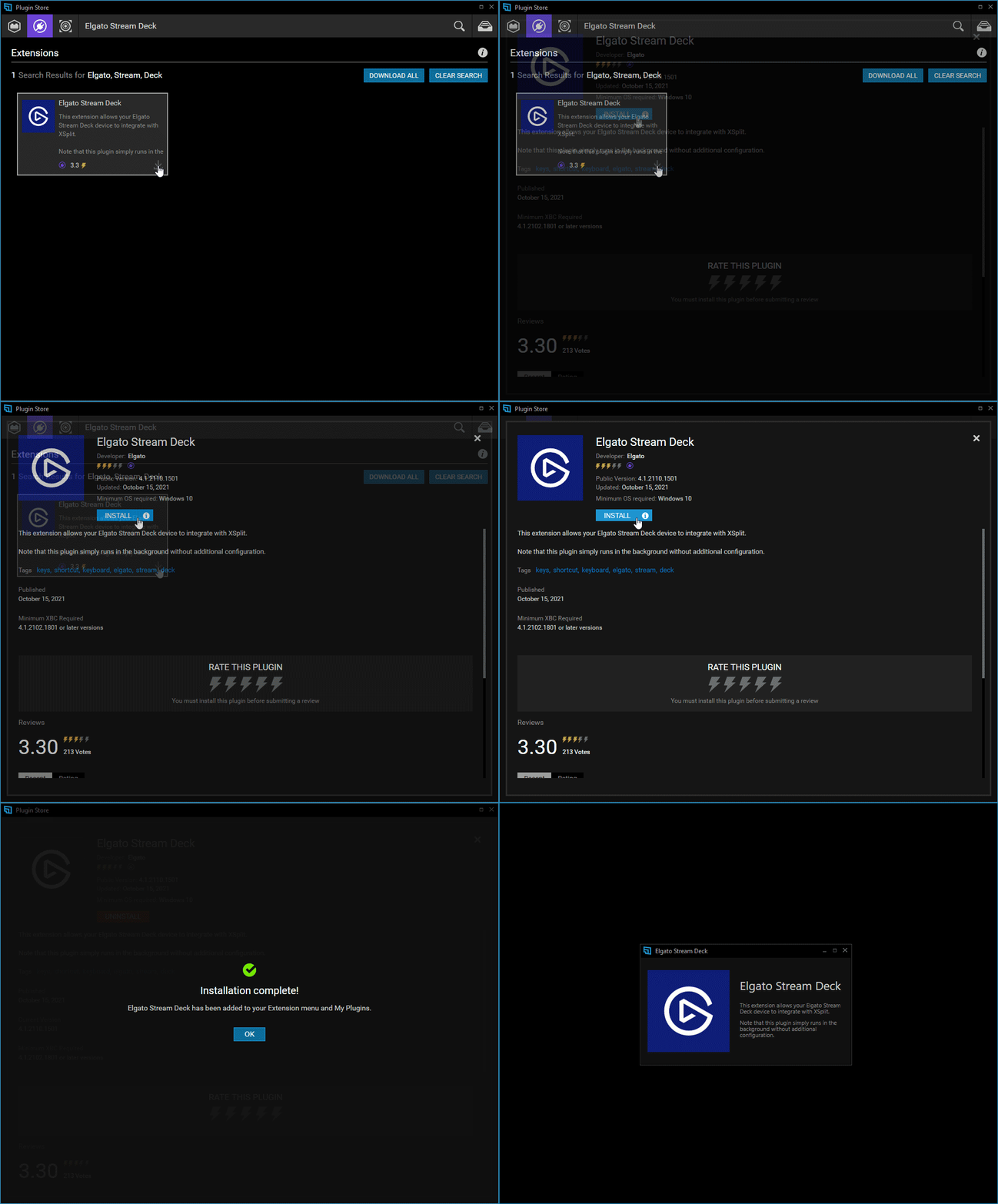
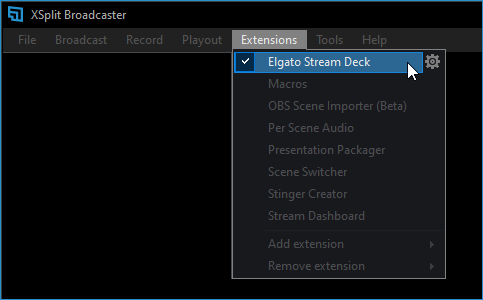
- Proceed to the next step once the extension is installed.
Install the XSplit Broadcaster Controller Plugin (in the Stream Deck app)
- Run the Stream Deck app. Check if your device is connected and recognized by the app.
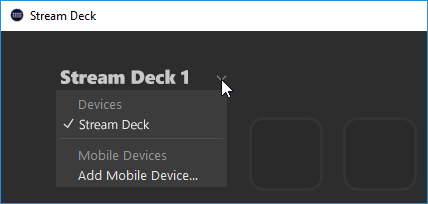
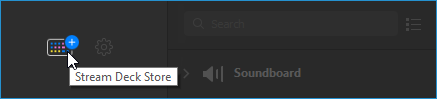
- Click the Stream Deck Store Icon
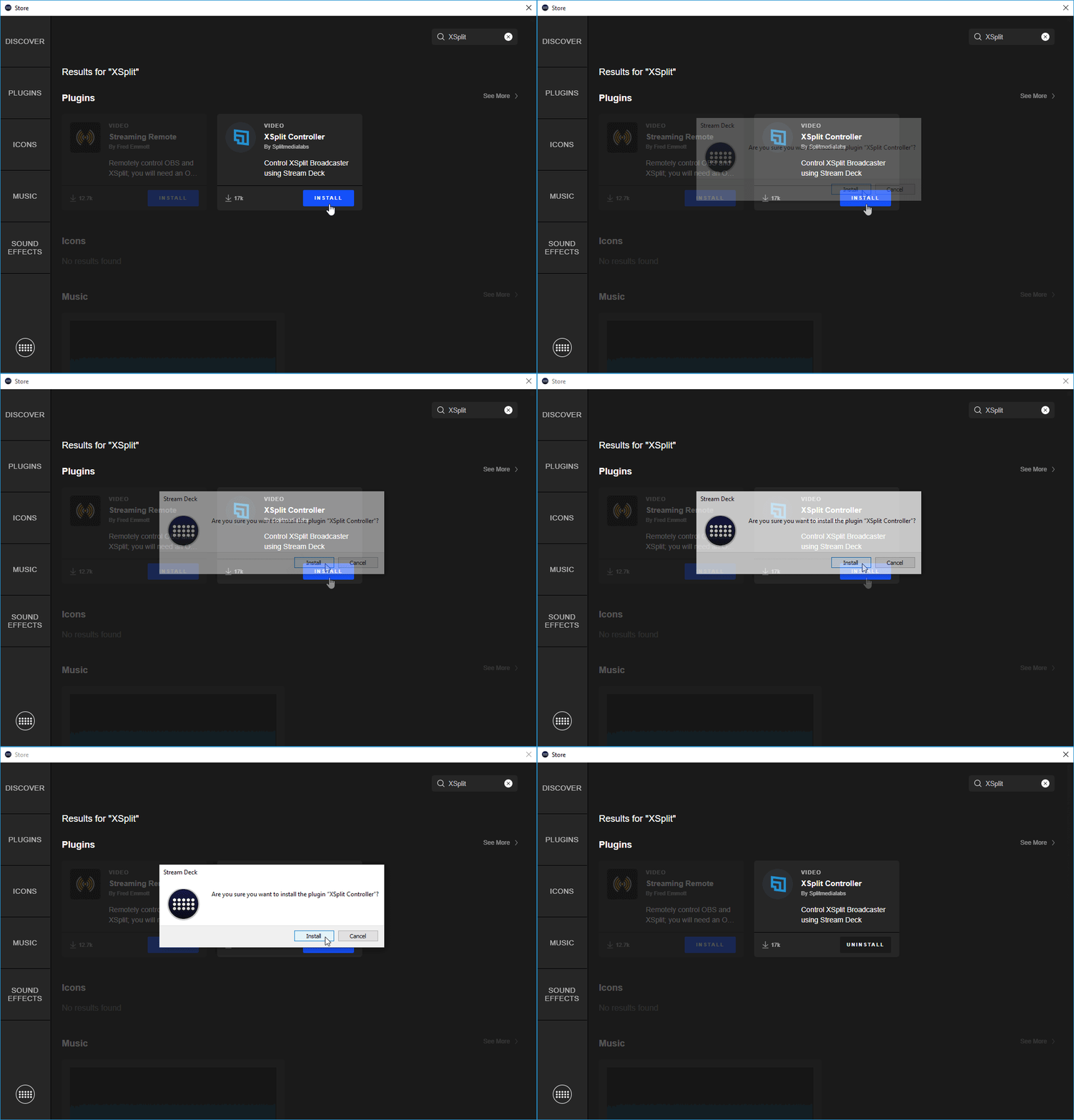
- Search for XSplit then install the *XSplit Controller plugin.
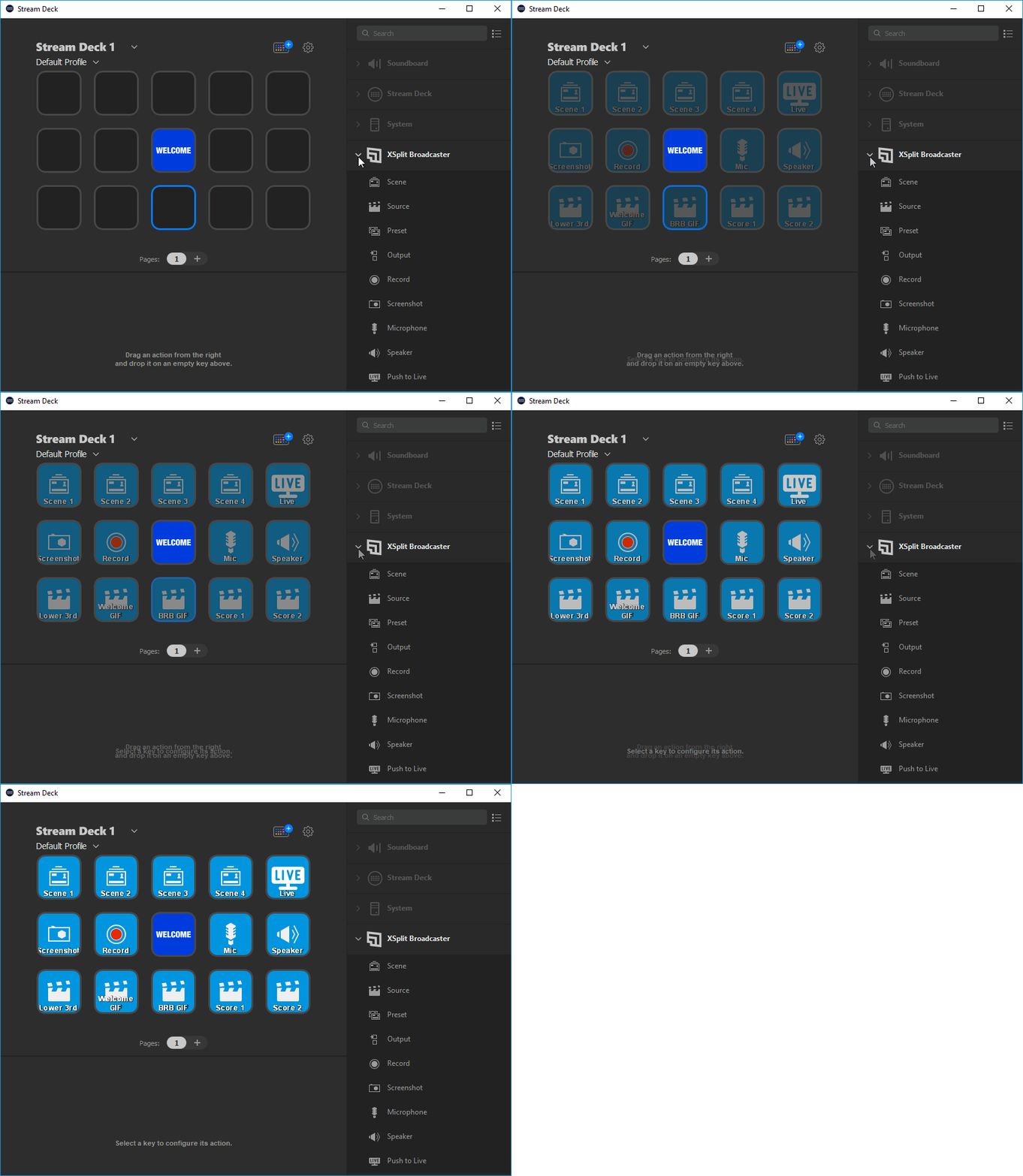
- XSplit Broadcaster actions will become available in the sidebar.
Troubleshooting
We've identified some issues with our Stream Deck integration and we're currently working on updating the plugin. For now, you can use the workaround below:
If the Elgato Stream Deck app isn't detecting XSplit Broadcaster even if it's already running, restart the Stream Deck app by following these steps:

- Right-click on the Stream Deck tray icon then select Quit Stream Deck.
- Click Quit on the confirmation prompt.
- Run the Stream Deck app again.

For advanced users:
You can make a Windows batch file to restart the Stream Deck app with the commands below (or download it here).
This batch file can even be assigned as a macro in your Stream Deck.
taskkill /f /IM "StreamDeck.exe"
start "" "C:\Program Files\Elgato\StreamDeck\StreamDeck.exe"
Updated on: 16/12/2025
Thank you!